Your camera roll fills up with screenshots, receipts and near duplicates you meant to deal with. PixScan puts them in front of you one at a time so you can actually get through them. Nothing is deleted until you say so.
How it works
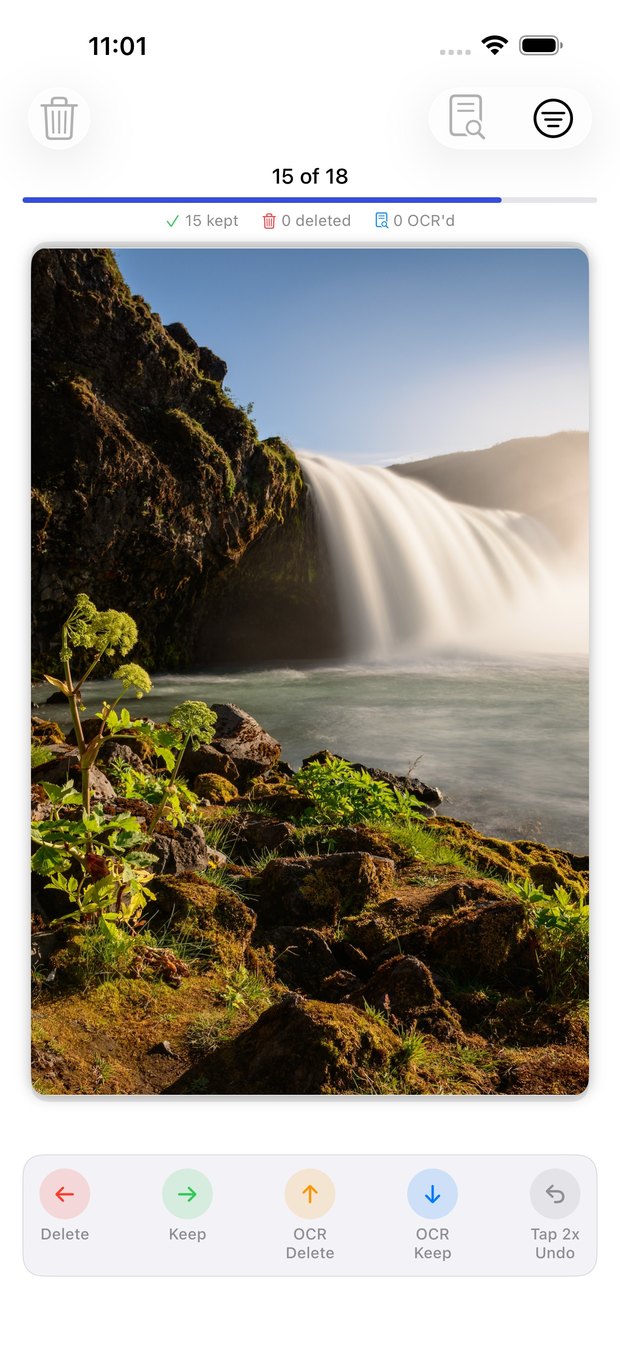
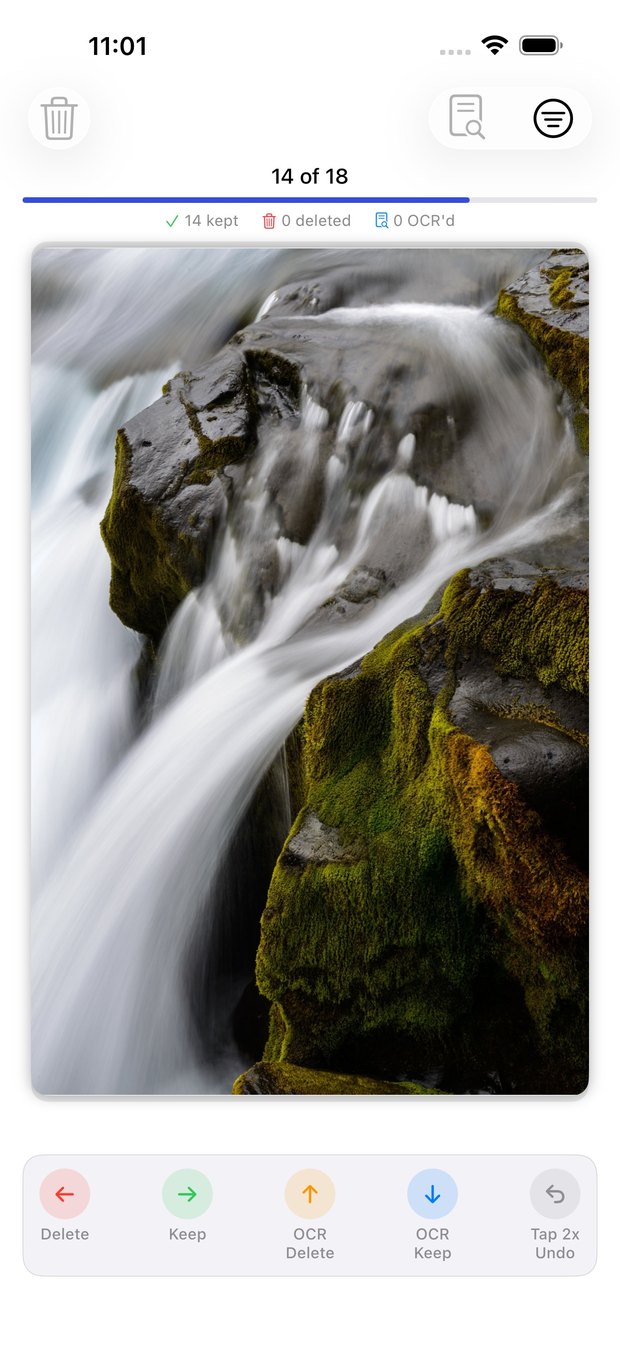
Every photo gets one decision. Change your mind and double tap to undo. Long press to see it full screen.
Marked for removal. Nothing goes until you confirm it.
Stays exactly where it is.
Reads the words off the photo, then marks the photo for removal.
Takes the words and leaves the photo alone.
On-device text extraction
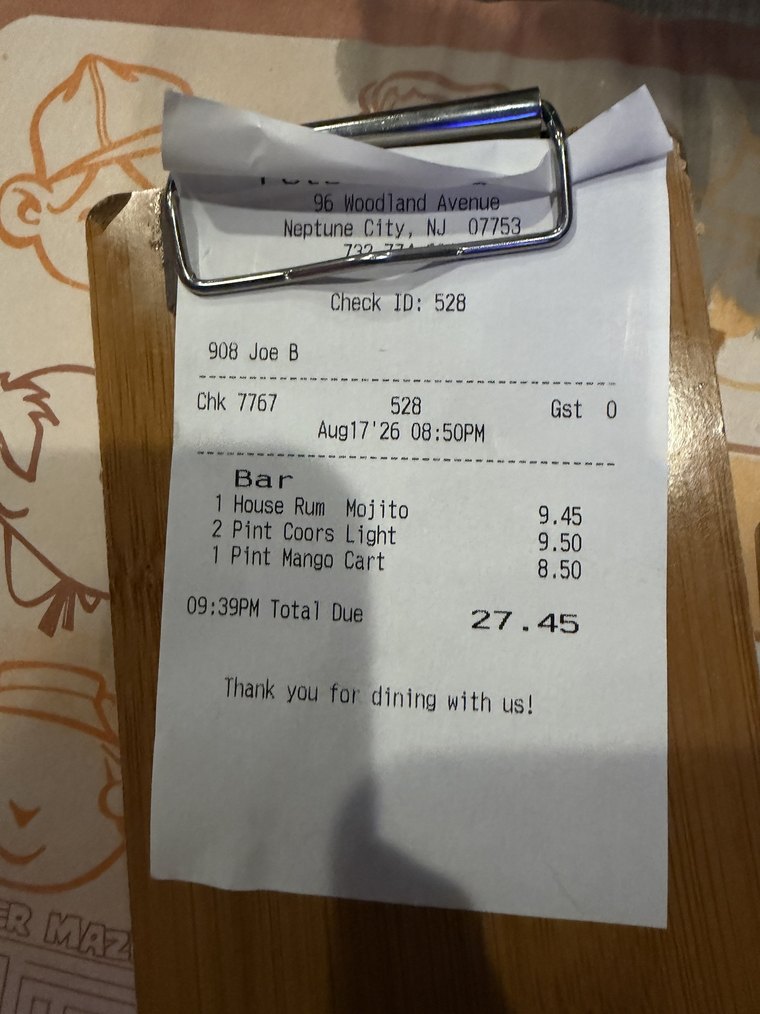
You photograph a receipt for one number, or screenshot a booking for one code, and never open it again. Swipe up or down and the words come with you — searchable, copyable, and linked back to the picture they came from.

Check ID: 528 Chk 7767 Aug17'26 08:50PM Bar 1 House Rum Mojito 2 Pint Coors Light 1 Pint Mango Cart 09:39PM Total Due 9.45 9.50 8.50 27.45 Thank you for dining with us!
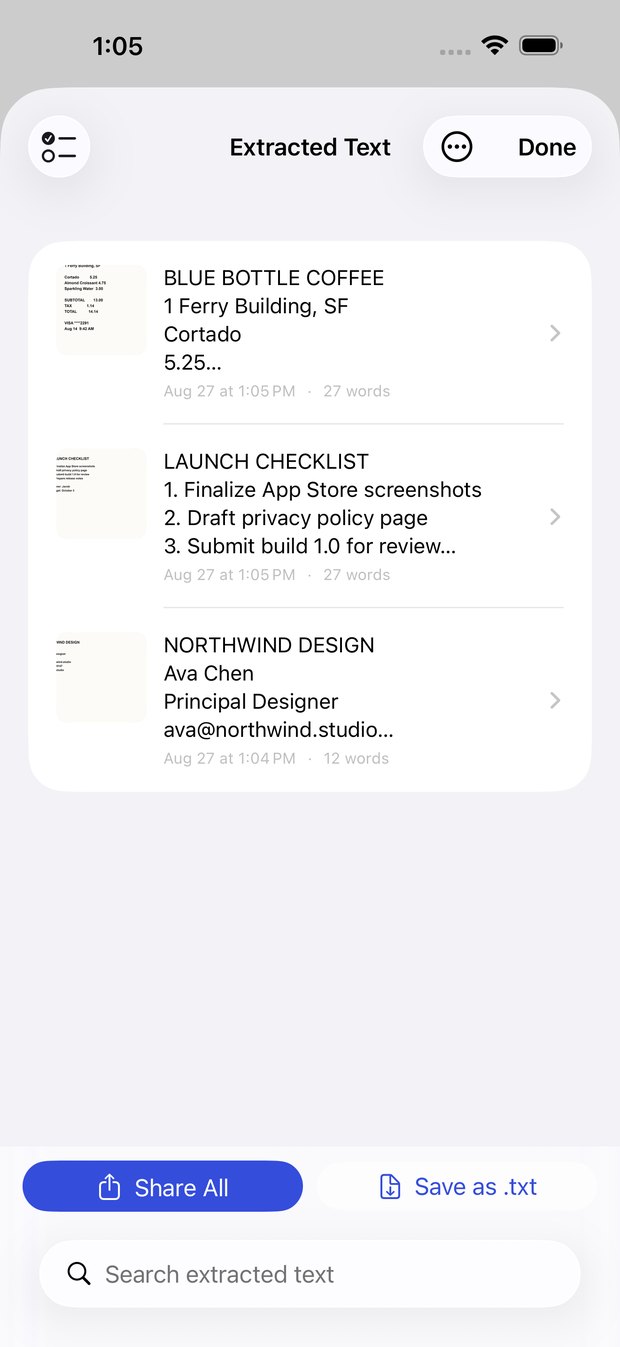
Your text library
Search the whole library and watch the matches highlight as you type. Every entry keeps a thumbnail of the photo it came from, so you can tap straight back to the original.

Built for a real camera roll
Most photo tools fall over on a library that has been running for years. PixScan is built for exactly that one.

Privacy
There is no account, no server and no analytics. PixScan has nothing to upload because it was never built to.
Read the full privacy policy →
Text recognition runs through Apple's Vision framework locally. Images are never sent anywhere for processing.
Extracted text and your progress live in local storage. Deleting the app removes all of it.
Swiping only marks a photo. Deletion happens when you confirm it, through iOS, and stays recoverable for 30 days.
Free on the App Store. iPhone, iOS 17.6 or later.
Coming soon — the App Store link lands here at launch.